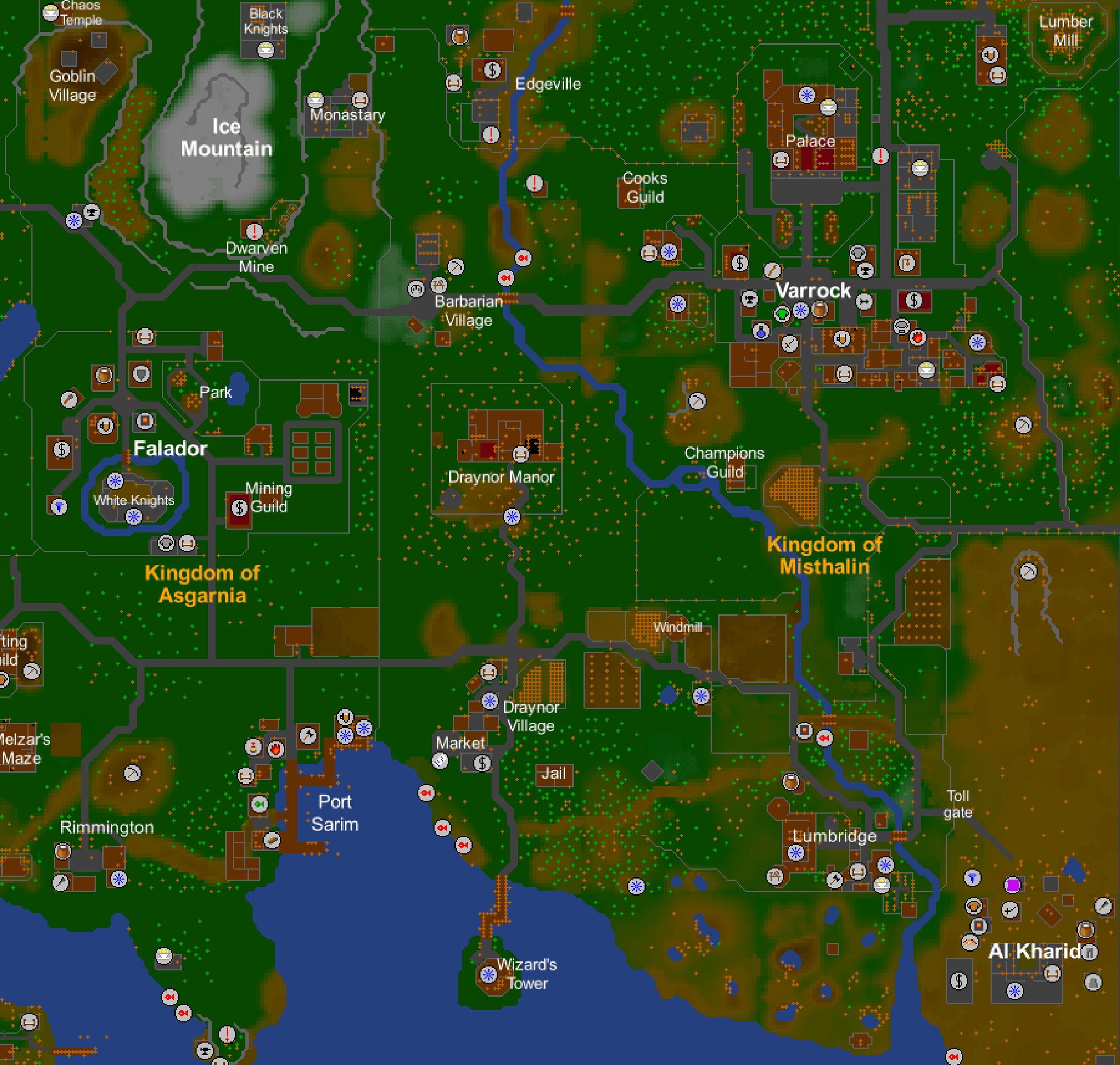
Neat F2P
How To Play
Please register on this site and create a game account before attempting to play. All game accounts must be created via the website - if you attempt to create one in the game client, it will not work!
There are many ways to play Neat F2P, including RSC+, WebClient, WinRune, and Android. You need Java for WinRune and RSC+. If you do not have Java installed or are not sure, install it before continuing. Press one of the buttons below to continue.
(Recommended) Newer mechanics, tons of quality of life settings and overlays, requires a bit of setup before using, cross-platform

New Version! RSC in your browser. No installation required, cross-platform, uses RSC-C client, works well on mobile (e.g. iOS)
Nostalgic interface, older mechanics, shorter AFK timer, requires Windows
New! Play Neat F2P on your Android phone or tablet. Similar functionality to the Open RSC android app